
Your EQ, their ears — the thinking behind EQ Sharing
Your EQ curve is more personal than a playlist. It's the exact frequency shape that makes music feel right to you. We built a way to share it — as a link, as a QR code, instantly.
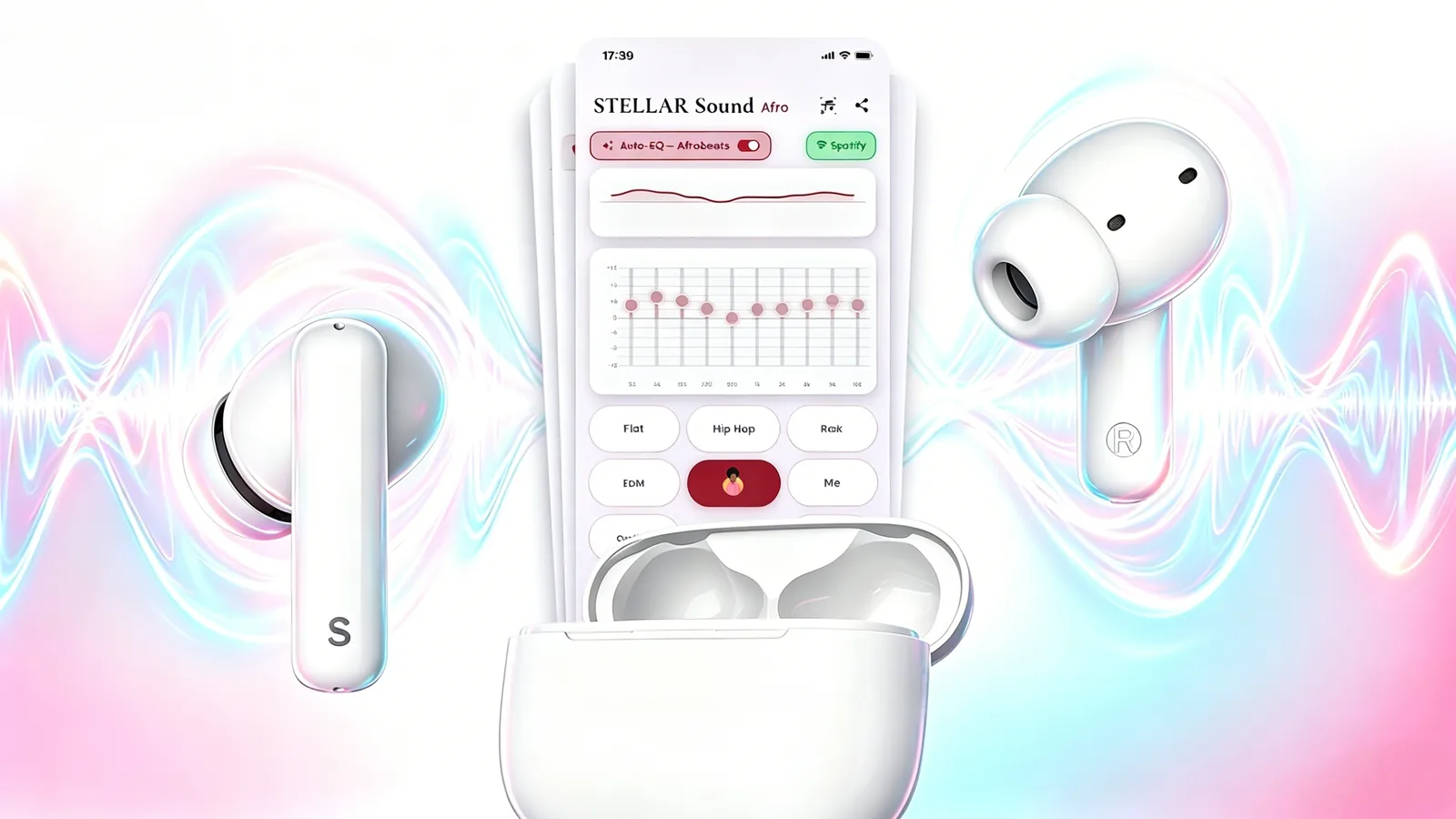
The personal EQ
Everyone has an EQ. Most people have never touched theirs — it's the default curve, set by the manufacturer for the average ear in the average room. But the moment you start adjusting, something changes. The music becomes yours.
That's not a metaphor. EQ is literally the shape of how you hear. Boost the low end and the bass sits in front. Lift the upper mids and vocals cut through. Pull down the 200 Hz range and a muddy mix clears up. These choices are as personal as the playlist itself.
The problem with personal
Personal, by definition, doesn't travel. You tune your curve. Your friend listens to the same track on the same earbuds and hears something different — their default, their compromise, their average.
For most of audio history, this was just how it worked. EQ stayed on your device, in your app, behind a screen most people never opened.
What EQ Sharing does
EQ Sharing encodes your 10-band curve directly into a URL. Every band, every gain value — turned into a short link or a QR code. No account. No upload. No server storing your preferences somewhere.
When the recipient opens the link or scans the code, STELLARvibe reads the values and loads the curve instantly. They hear exactly what you hear.
"The idea was that your sound should be as shareable as a playlist. Simpler, actually — because a link is enough."
— STELLAR
Who it's for
A DJ can share their mix-room curve with their crowd before a set. A producer can make sure listeners hear the track the way it was mixed. A friend can hand over the exact setting that made an album click.
None of these use cases require an account. None of them require a server to be running. The data lives in the link — and the link is all you need.
The QR path
If you're in a room with someone, the QR code is faster than a link. Open STELLARvibe, tap Share, hold it up. The curve transfers and the EQ loads before the track ends.
That's the feature. Small in scope. Large in what it means for how people share music.