
How to share EQ settings with a friend
Getting your exact EQ curve onto someone else's earbuds usually means a screenshot and a lot of dragging. Here's why that's hard, and how Share EQ does it in one link.
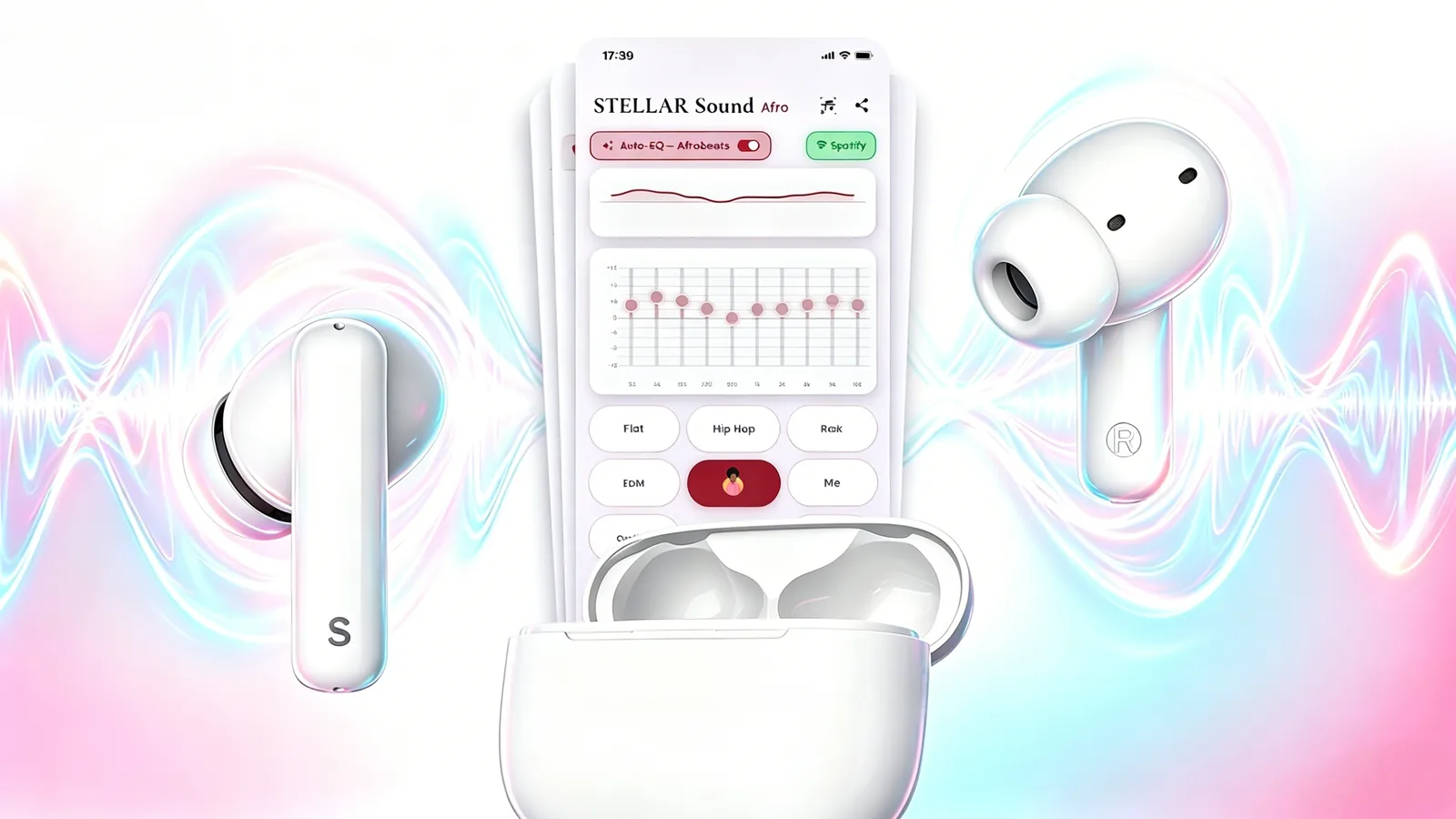
You spend twenty minutes getting a curve exactly right. A friend asks what you did. And the honest answer is that there is no good way to tell them — you send a screenshot of a graph and they drag sliders until theirs looks approximately similar, which is neither accurate nor fun.
Why EQ settings don't travel
An EQ curve is just numbers: a gain value per frequency band. Trivial data. But almost no audio app gives it an address. The settings live inside one installation on one phone, with no format for moving them, so the only export path is a photograph of a picture of the numbers.
There's a second problem underneath that one. Even where a format exists, it usually assumes both people own the same hardware and the same app version, so a curve that means one thing on your earbuds means something else on theirs.
How Share EQ works
Share EQ encodes the curve into a link. Open the STELLARvibe app, tune anything you like, and share it — the app gives you a URL and a QR code. Send the link, or let someone scan the code off your screen. When they open it, their app loads your exact settings. No screenshots, no dragging, no approximation.
The curve travels as data in the link itself, so there is no account to make and no server holding your presets. If the person you send it to has STELLARvibe, it loads. If they don't, the link tells them where to get it.
What people actually send
In practice the useful shares are specific rather than general. A curve for one album that was mastered oddly. A commute preset that survives train noise. A podcast setting that makes a particular host's microphone bearable. These are small, precise pieces of knowledge that were previously impossible to hand over, and turn out to be exactly the thing people want to pass around.
It pairs with Auto-EQ rather than replacing it: Auto-EQ handles the everyday case so you never think about tuning, and Share EQ is there for the times you have thought about it hard and want someone else to hear what you heard.
Share EQ and Auto-EQ both come with STELLAR FlyPods and the free STELLARvibe app — hybrid ANC at –28 dB, 12 mm drivers, IPX5, €98.
See STELLAR FlyPods